Understanding bank account verification
Bank account verification in Continia Banking helps you strengthen payment security by monitoring and validating key bank account details. Verification ensures that payments are only made to trusted accounts and reduces the risk of fraud. When the Security module is activated in Continia Banking, you can enable bank account verification to help you track new or updated bank accounts.
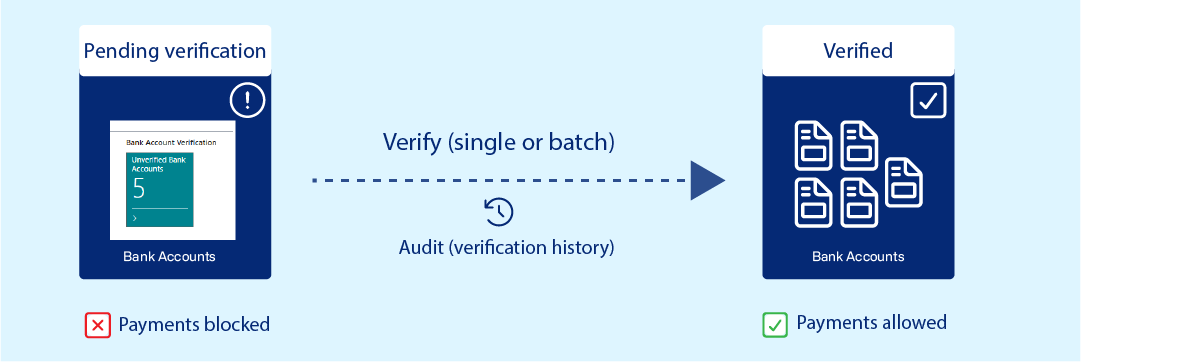
Whenever a bank account is created or updated, it will get the Pending Verification status. Through single or batch verification you can set the account status to Verified, allowing payments to proceed. All verification actions are logged in Verification History, providing a complete audit trail for vendor, customer, and employee accounts.
This process helps identify suspicious changes early and ensures payments go to the correct accounts. An account may be, Pending Verification, or Verified.
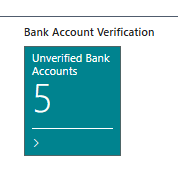
The Role Center tile shows the number of unverified accounts and provides quick access to verification actions. Only tiles you have permission for are visible. If a Continia Banking tile is missing, check the assigned permission sets on the User Card under User Permission Sets.
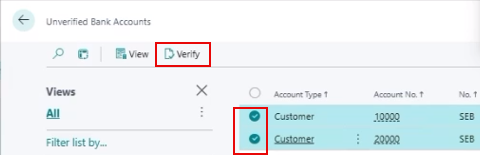
To perform verification tasks, see Verifying bank accounts in Continia Banking.
Single vs. batch verification
Bank account verification can be performed in two ways:
- Single account verification - verify one account at a time, typically when adding or updating an account. You need one of the following permission sets:
- CTS CB EXPORT VERIFY
- CTS CB SEC ADMIN
- Batch verification - to run batch verification, ensure the following permissions and settings are configured:
- You have the CTS CB SEC ADMIN permission set.
- On the Approval User Setup page, the Approval Administrator and Banking Approval Administrator checkboxes are selected.
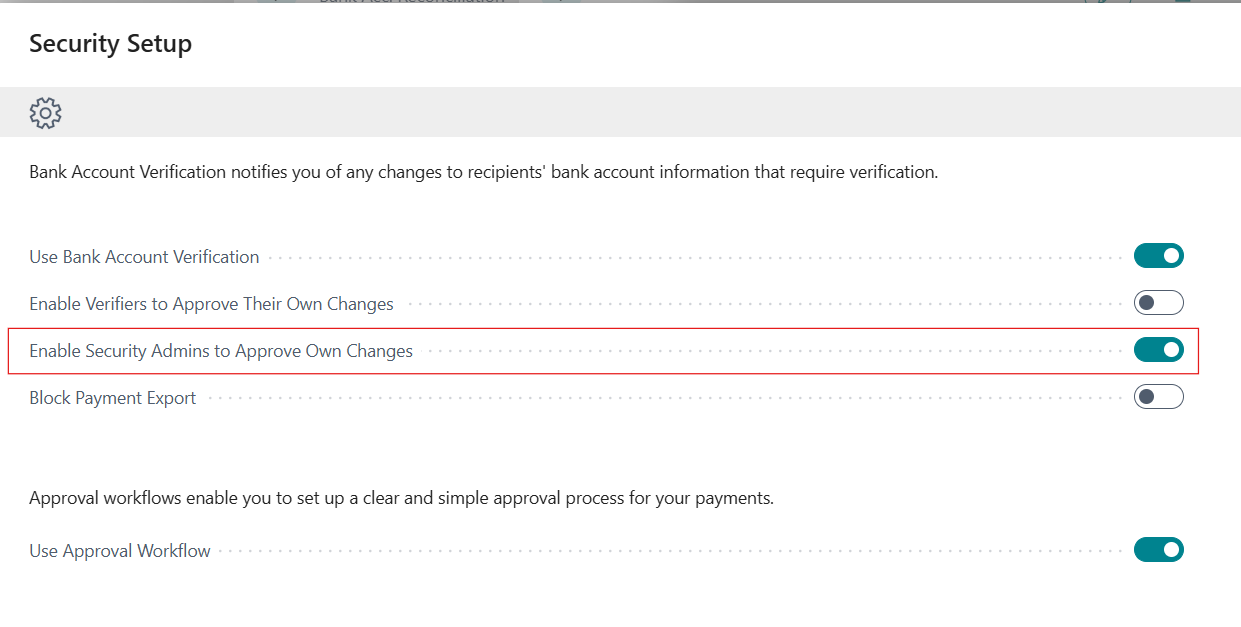
- The Enable Security Admins to Approve Own Change setting is turned on. You can enable this in the Set up Security Assisted Setup or on the Banking Export Setup page.
Requirements and permissions
To perform bank account verification, ensure the following:
- The Security module is active.
- Bank Account Verification is enabled in Continia Banking Setup.
The following permission sets are used for bank account verification and related workflows::
- CTS CB EXPORT VERIFY – to enable and manage bank account verification.
- CTS CB SEC ADMIN – required for batch verification and provides full control over payment approval workflows.
- CTS CB SEC READ – provides read-only access to payment approval workflows.
Related information
Verifying bank accounts in Continia Banking
Excluding unverified bank accounts in suggested payments